
EIR Vinyl Flooring
Embossed in Register
EIR aligns the embossed surface with the printed design. For wood-look flooring, the grain you see and the texture you feel follow the same pattern.
Choose the décor and surface together. The core, wear layer, format and backing remain separate parts of your buying brief.
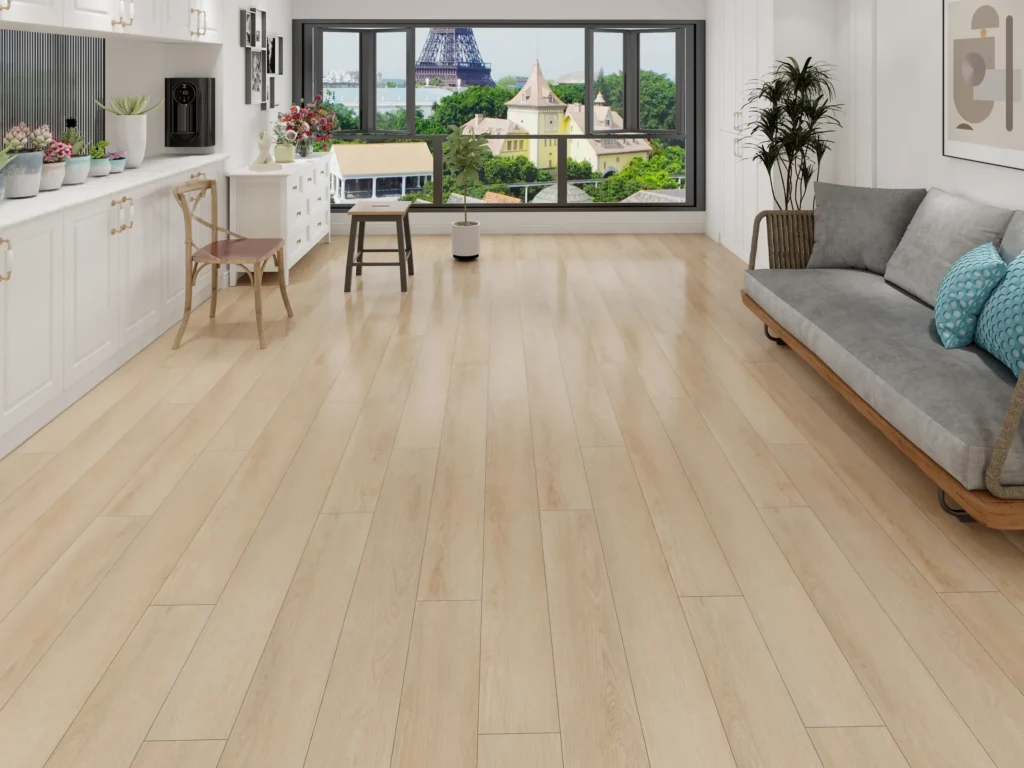
Registration is the difference.
Depth is a separate choice.
Compare the two surface references below. EIR describes the relationship between embossing and print; deep embossing describes surface relief. Depth alone does not establish registration.
EIR: Embossed in Register
EIR follows the printed grain and knot features. Review the visible design and corresponding relief together on a physical sample.
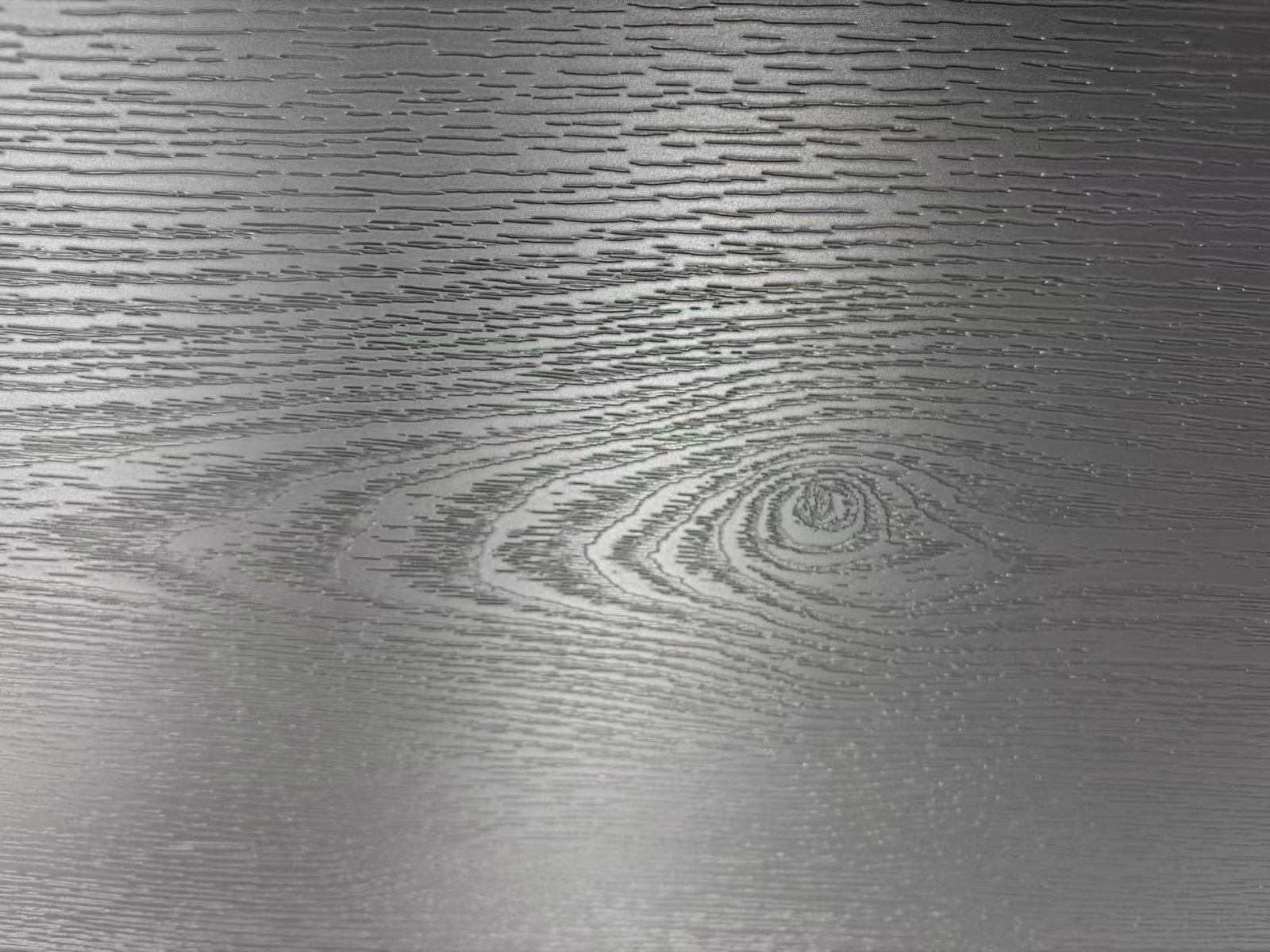
Basic Pattern Embossed Deep
Deep embossing adds pronounced wood-like relief. Check how the texture relates to the printed design; a deeper surface is not automatically EIR.
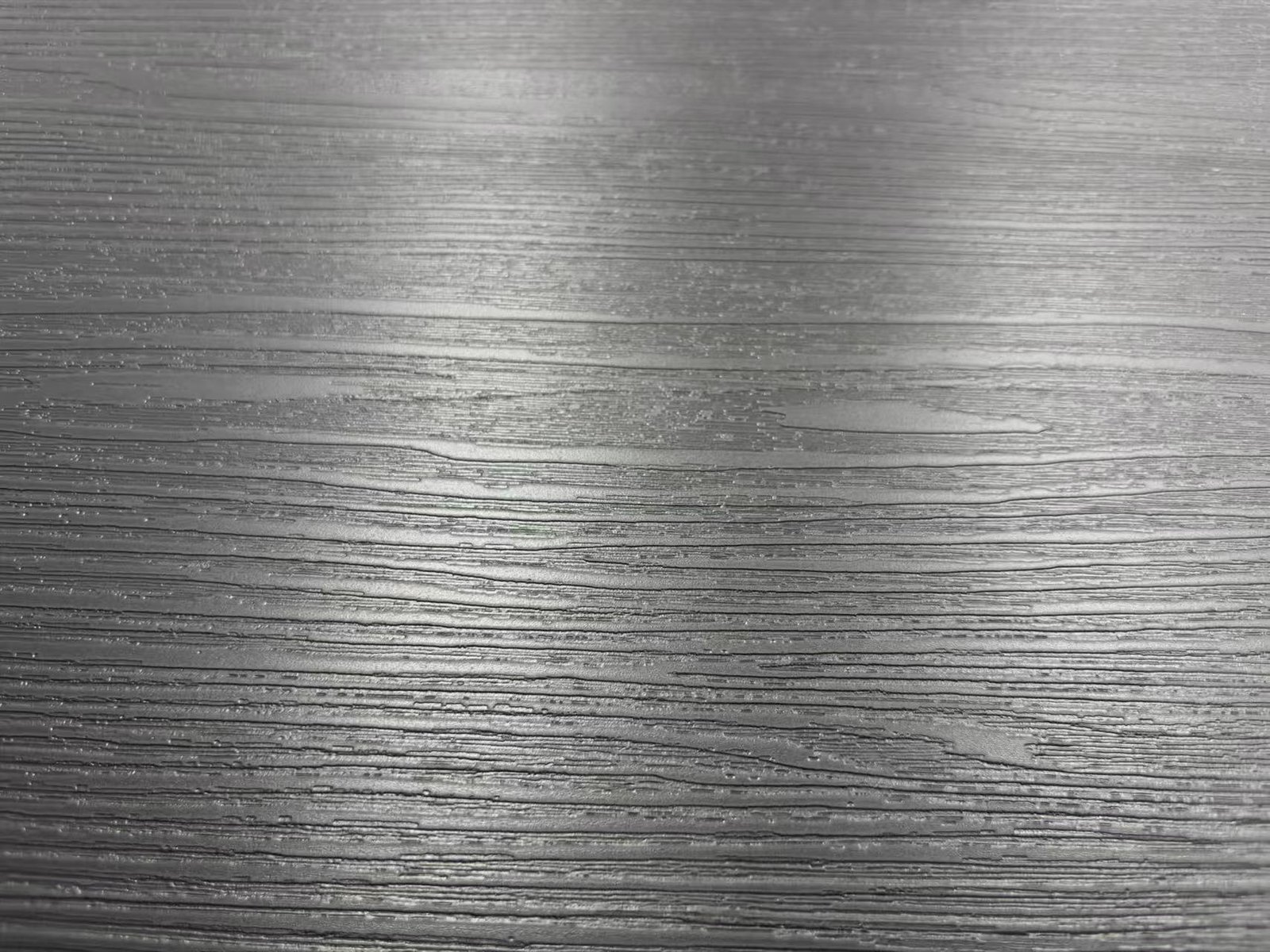
Surface photos supplied for appearance comparison. Lighting and magnification can affect what you see. Use physical samples to review print-to-texture registration; these photos do not establish a measured tolerance.
Start with the wood visual.
Approve the surface in hand.
These references appear in the EIR-filtered library. Open the full design and assembly views, then request the required surface on your chosen build.
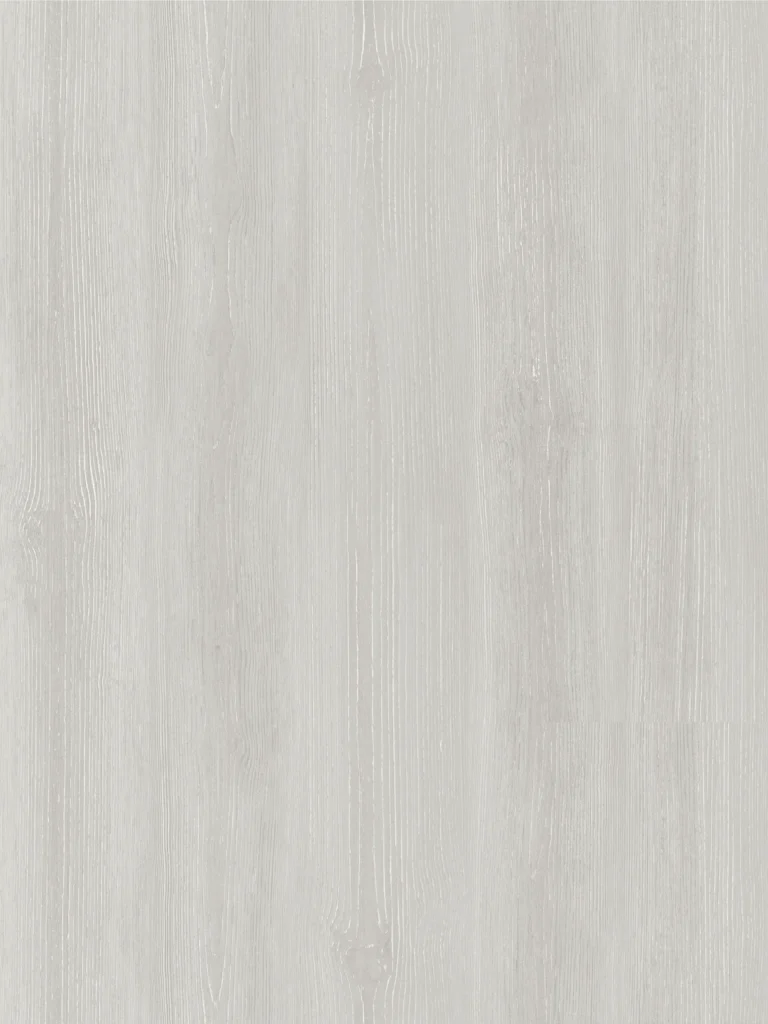
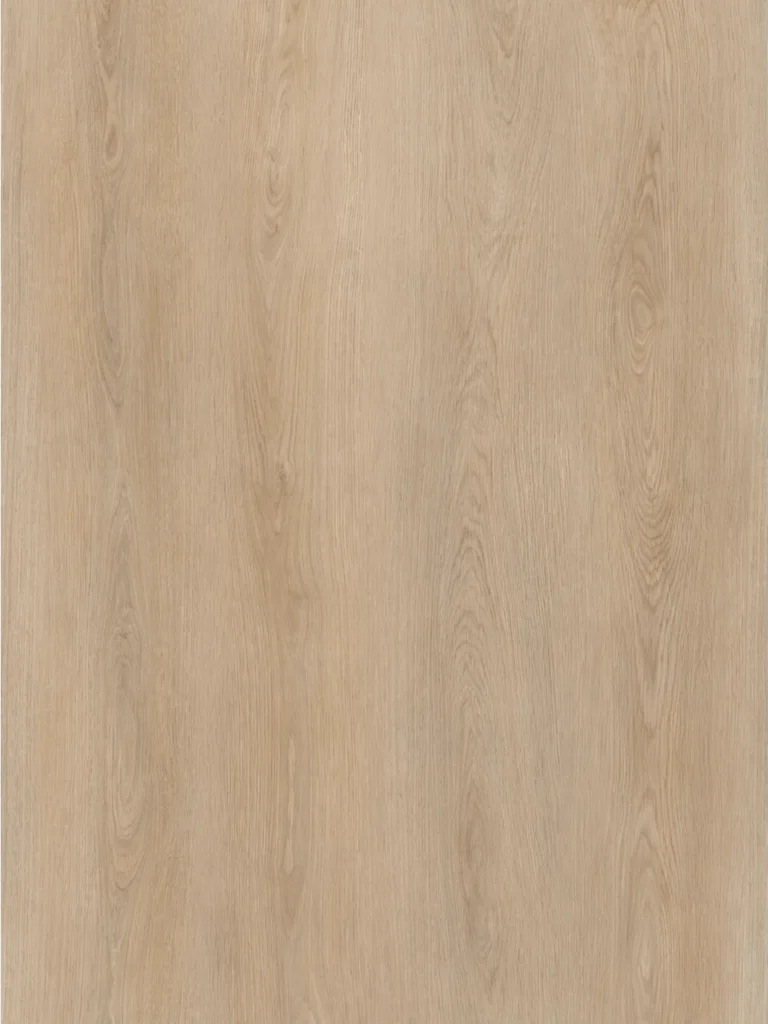
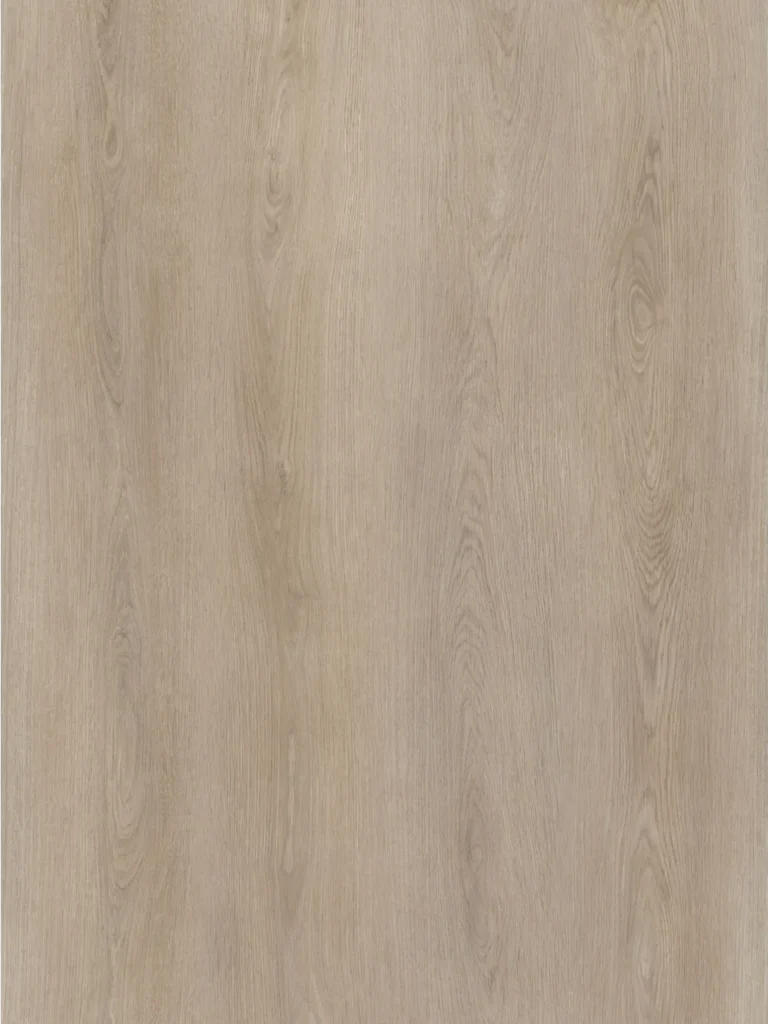
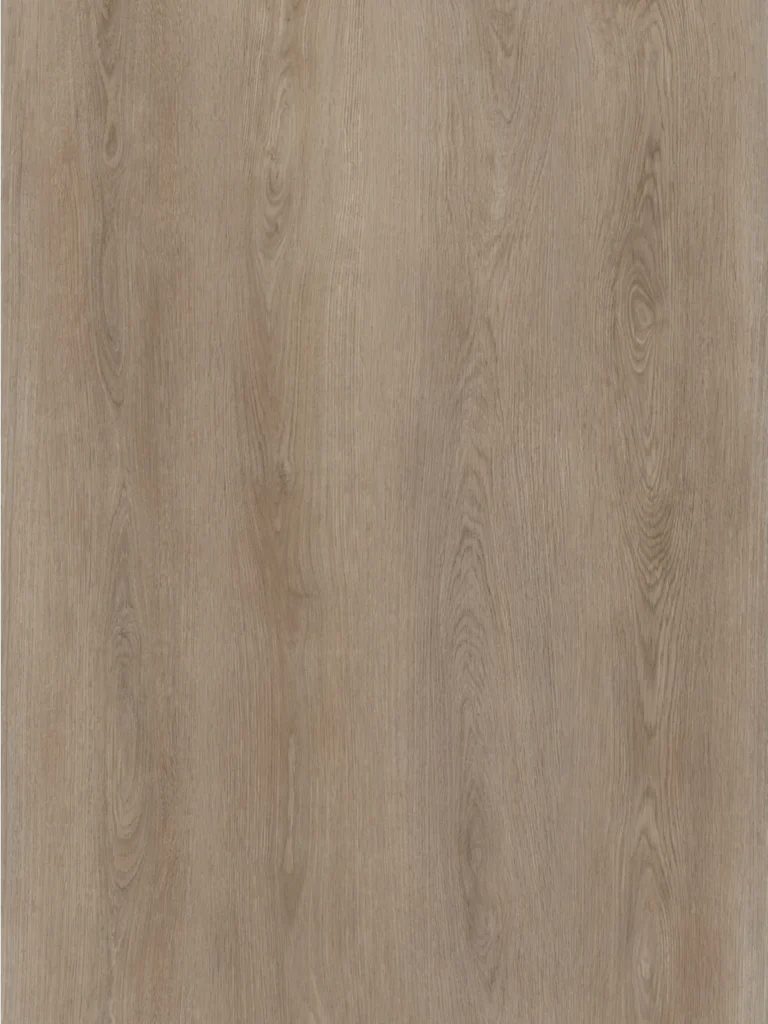
See more designs, or discuss your range.
Browse the EIR library to compare references. For pricing, send your shortlisted codes with the construction, quantity and destination.
Review the detail.
Keep an approved reference.
A useful approval covers the print, physical surface and assembled appearance. Keep the sample identity with the product specification.
Identify the sample
Record the décor code, surface description and build. Include format, wear layer, backing and edge detail.
Inspect the alignment
Trace a visible grain feature under side lighting. Check its relationship to the relief at several positions along the board.
Compare joined pieces
Review colour, gloss, print repeat and edge detail across several boards in the intended laying direction.
Retain the approval
Keep a labelled reference with the agreed specification and artwork approval. Use it when reviewing production samples or later orders.
EIR is the surface.
Specify the rest of the floor.
The same appearance can be discussed for different product routes. It does not establish that every route, format or registered surface combination is available.
- Product build
- Core and installation route; board and finished thickness; wear layer and backing
- Format & finish
- Width × length, plank or pattern layout, registered surface, gloss and bevel
- Project scope
- Use area, traffic, destination market and required performance documents
- Order scope
- Quantity per design, target timing, branding and packaging requirements
A shared colour code
needs a shared review.
If you plan to use a similar visual across different constructions, compare the actual samples together. Surface relief, gloss and the finished build can affect the appearance under the same light.
For later phases, keep the approved references and record which samples belong to each build. Agree the batch-review requirements before placing repeat orders.
Plan an OEM & private-label range →- Design
- Décor code and physical reference
- Surface
- EIR selection, gloss and edge finish
- Construction
- Core, thickness, wear layer, backing and format
- Approval
- Sample identity, approval date and agreed production checks
Recommended approval record, not a certificate. Match performance documents separately →
What to check
before ordering EIR.
Use the surface description to select a sample. Use the exact product specification and evidence to place the order.